Turn WhatsApp Conversations into Real Conversations
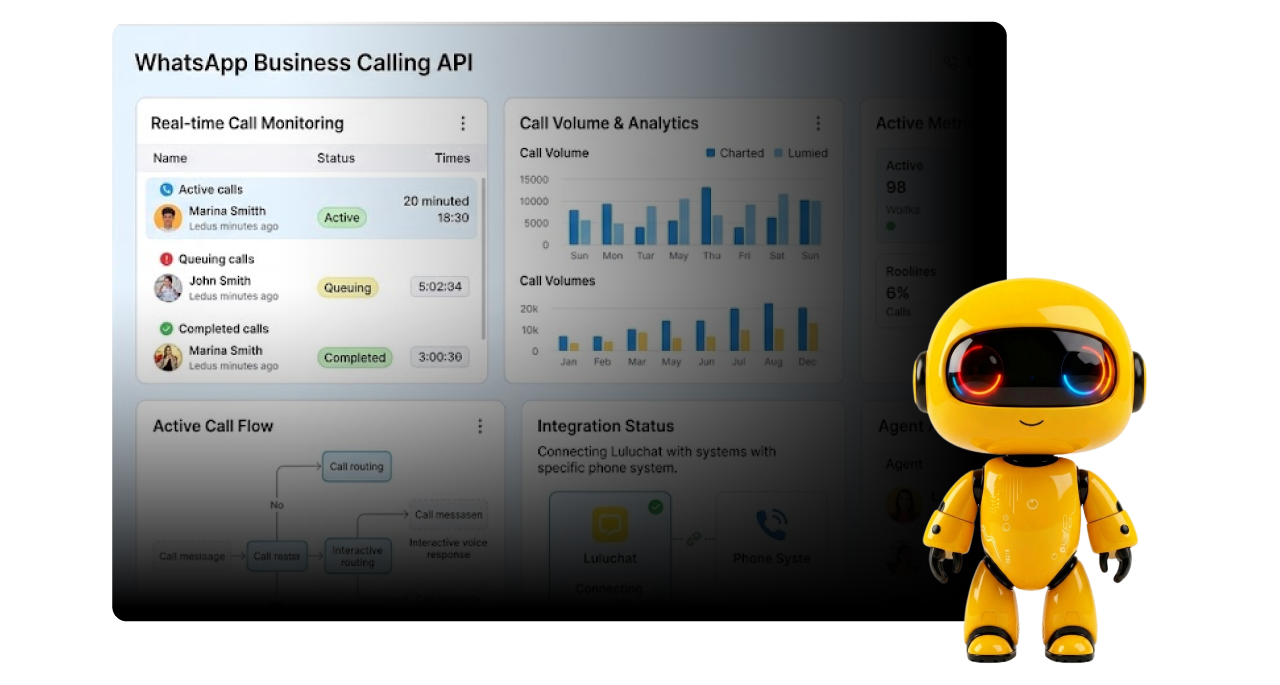
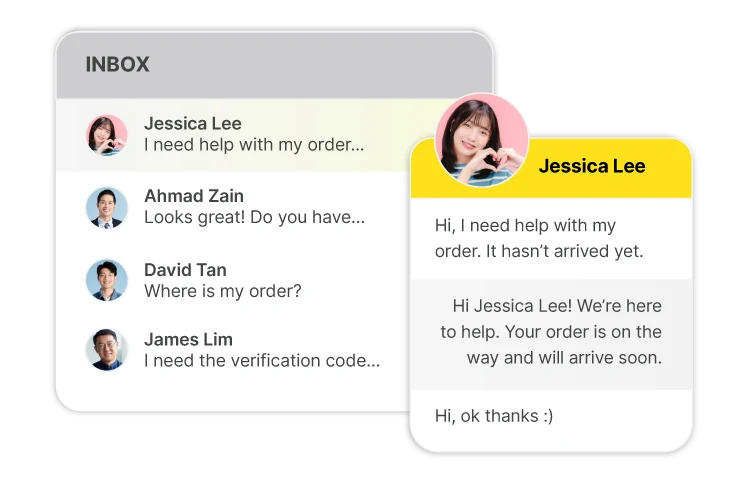
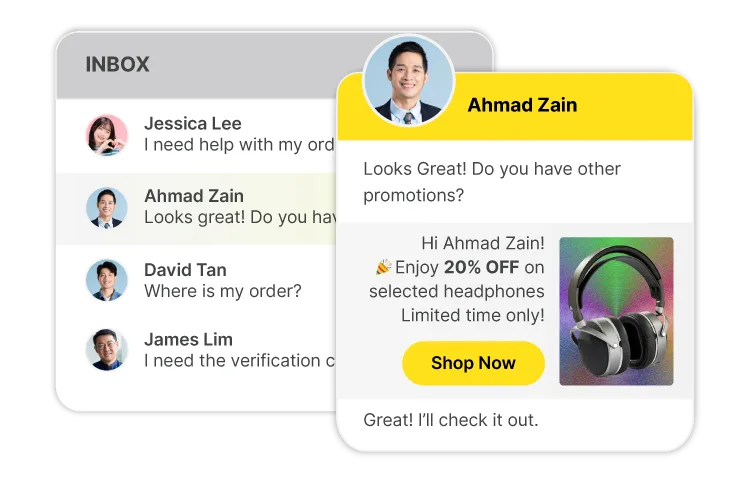
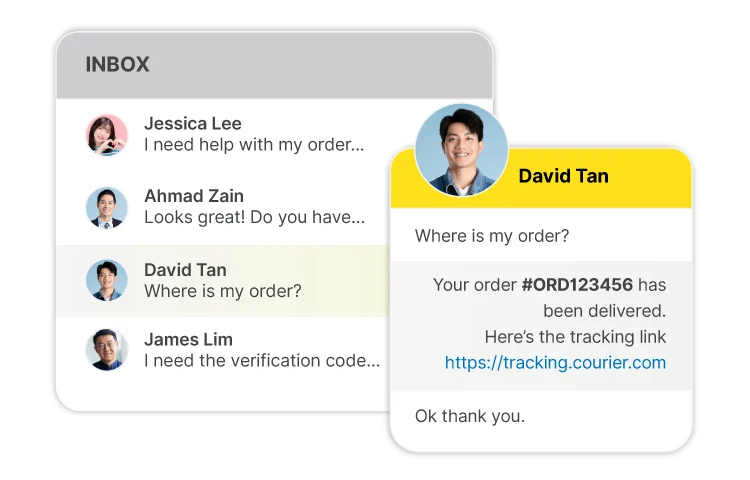
Move beyond text when a conversation needs a human touch. Make and receive WhatsApp calls while keeping customer conversations, leads and follow-ups connected in Luluchat.
Connect your WhatsApp
WhatsApp Business
Connect with existing WhatsApp Business account.
WhatsApp Co-existence
Use same phone number on WhatsApp Business App and WhatsApp Cloud API.
Meta Officially Certified
Your account is treated as a "legitimate account" - lowering the chance of being banned.
Broadcasting Speed Faster
Reach your audience dramatically faster.
Answer High-Intent Customers Faster
Give customers a direct way to speak with your team when they're ready to take the next step.
Resolve complex Questions in Real Time
Move conversations from back-and-forth messages to a clear voice when text isn't enough.
Close Opportunities with a Personal Touch
Build trust, handle objections and move qualified prospects toward a decision faster.
Messaging Tier
Tier Messaging Limit
Starting Level (Unverified Account) – Up to 250 Business Initial Message/day.
Tier 1 (After Business Verification) – Up to 2000 Business Initial Message/day.
Higher Tiers (Based on Performance) – Meta will upgrade your messaging limit to a higher tier automatically if you have strong customer engagement, including consistent replies and interactions.
2K
Tier 1
Business Initiated Conversation within a 24-hour rolling period.
10K
Tier 2
Business Initiated Conversation within a 24-hour rolling period.
100K
Tier 3
Business Initiated Conversation within a 24-hour rolling period.
Unlimited
Tier 4
Business Initiated Conversation within a 24-hour rolling period.
AI-Enhanced Conversational Commerce
WhatsApp Business API Conversation Type
Keep your customer communication in one place — from the first WhatsApp message to the call and follow-up.
FREE
Service / FREE
Initiated by users, businesses can respond within the 24-hour customer service window.
RM 0.3467
Marketing
Marketing conversations include offers and promos, related products suggestions, abandoned cart messages.
RM 0.0564
Utility
Include post-purchase notifications and recurring billing statements, order/delivery management; account updates or alerts.
RM 0.O564
Authentication
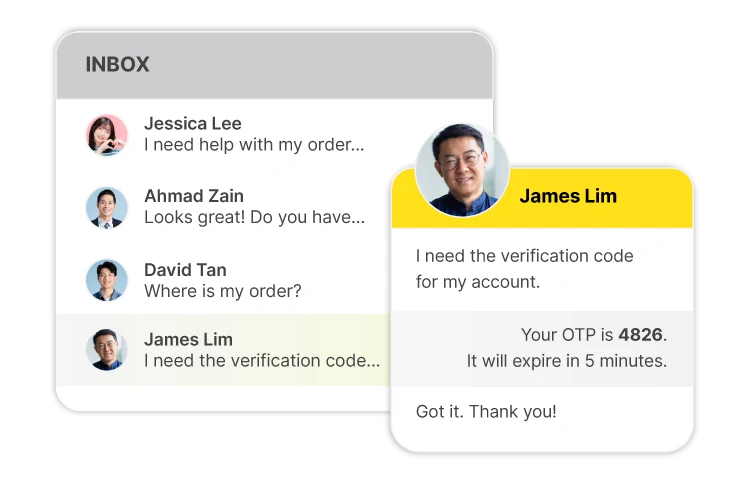
Provide users one-time passcodes for authentication purposes. Such as account registration and account recovery.
WhatsApp Co-existence
Process of Setup
01Sign Up LuluChatSign up your LuluChat account and register your company details.
02Sync ConversationsAll existing customer conversations will be synchronized into LuluChat’s Team Inbox.
03Verify AccountSubmit your company details and get WhatsApp account verification.
04Set Up AccountStart invite your team members, set up tagging, custom tab and messaging flow.
WhatsApp Business API
Pay for those who engage (MAC)
A contact who sends any message to you.
A contact who replies to your message through Marketing Conversation.
A contact who received a message from you via Flow (Utility & Auth) and API calls.
A contact who received a one way broadcast from you but does not reply or give reaction.