

Luluchat
Luluchat Luluchat
header robot
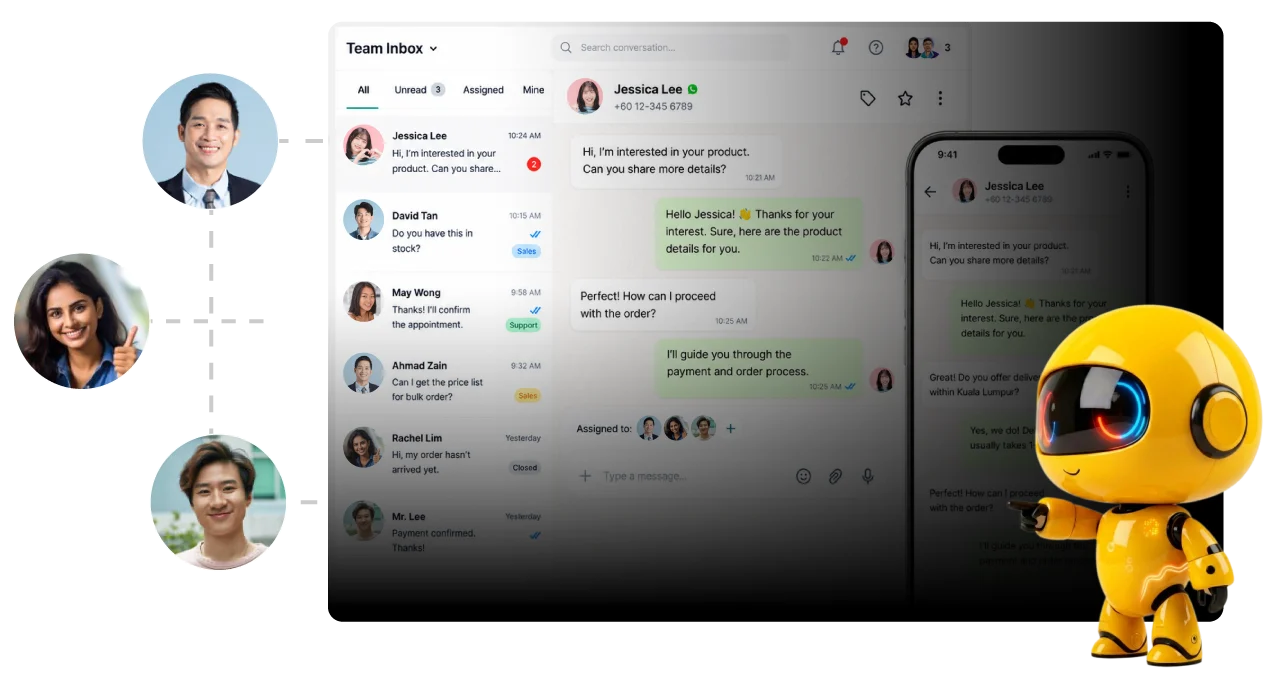
Shared Team Inbox

One Inbox. One Team.
Better Conversations.

Collaborate on every WhatsApp conversation in one inbox.

1000+ Brands Trust Luluchat

  • logo castrol
  • logo hairstory
  • logo sushi plus
  • logo ypc
  • logo delux
  • logo 2290
  • logo zefiks
  • logo hatch
  • logo eduhero
  • logo do long yi
  • logo kimarie
  • logo carplus
  • logo solaroo
  • logo top lash
  • logo kooky cream
  • logo ng chan mau
  • logo hyperack
  • logo jdx

Everything Your Team Needs In One Workspace

Manage every WhatsApp conversation from a single shared inbox where your entire sales and support team can collaborate, assign chats, leave internal notes, and respond faster—without missing a single customer.

shared_team-highlight
Shared Team Inbox

Route leads with WhatsApp chatbot flows.

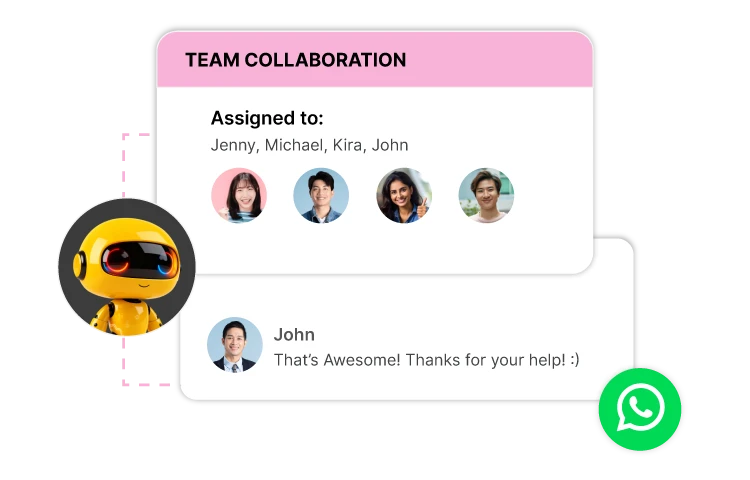
team collaboration
Why Luluchat

How it Works

Connect your team and manage every WhatsApp conversation in four simple steps.

Key Benefits

Built for Fast-Growing Teams

Manage conversations efficiently as your business and team continue to grow.

Multi-Agent Collaboration

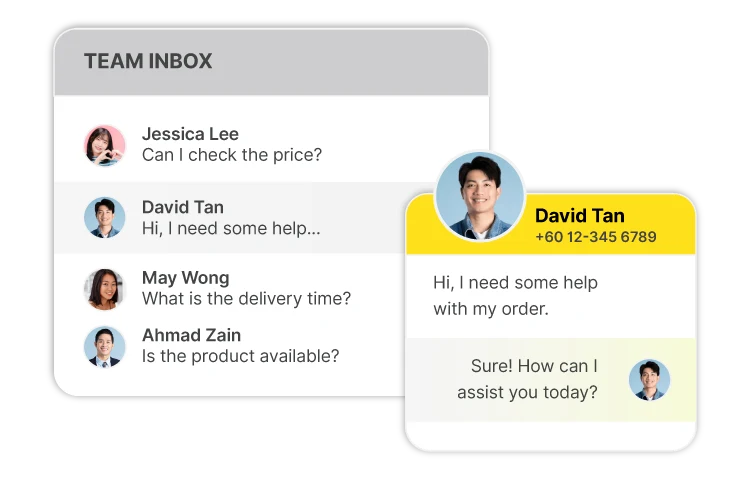
One inbox for multiple sales and support agents.

team inbox - david

Faster Response Time

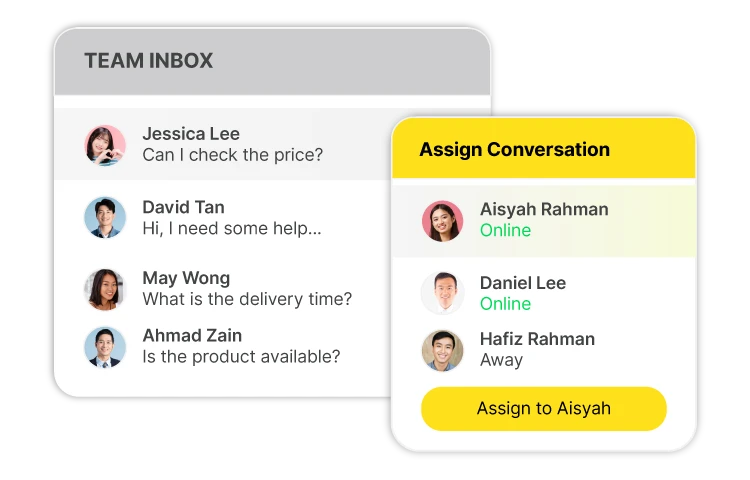
Assign conversations instantly to the right teammate.

team inbox assign

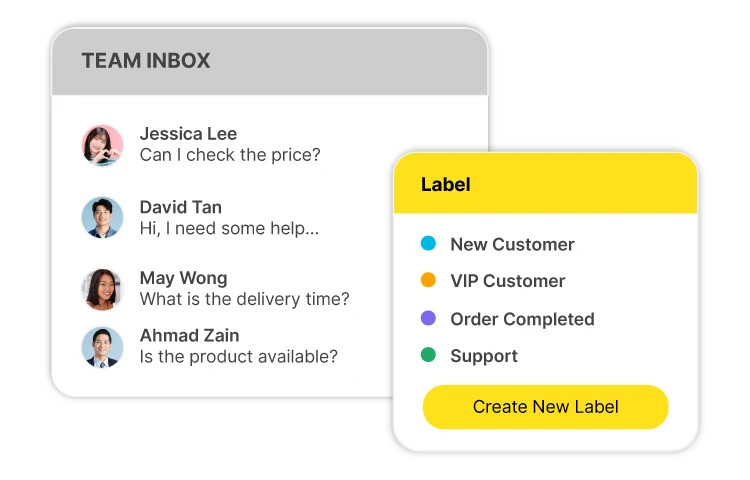
Smart Labels & Organization

Organize contacts with custom labels.

team inbox label

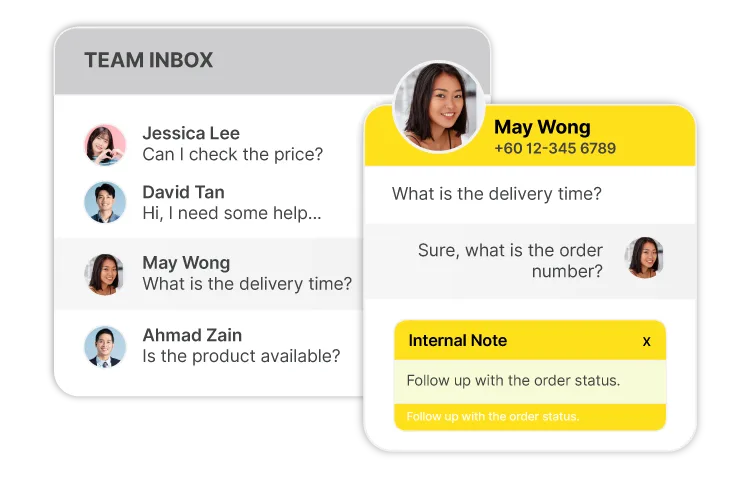
Internal Notes

Keep internal team conversations hidden from customers.

team inbox - may
FAQ

Got Questions?
We’ve Got Answers.

Empower your sales and support teams with a shared inbox that keeps everyone aligned, responds faster, and never lets opportunities slip away.

1. What is a Shared Team Inbox?
A Shared Team Inbox allows multiple team members to manage customer WhatsApp conversations from one shared WhatsApp Business number. Everyone can view, assign, and respond to chats in a single workspace, improving collaboration and response times.
2. Can multiple agents reply using the same WhatsApp number?
Yes. Luluchat enables multiple sales and support agents to access and respond to customer conversations simultaneously from one WhatsApp Business number.
3. How does chat assignment work?
Chats can be manually assigned to the most suitable teammate or organized into teams such as Sales, Customer Support, or different work shifts, ensuring every enquiry is handled by the right person.
4. Will customers know when conversations are transferred between agents?
No. Your customers enjoy a seamless experience while your team can continue conversations with complete chat history, ensuring smooth handovers between departments or shifts.

Ready to Transform
Team Collaboration?

Empower your sales and support teams with a shared inbox that keeps everyone aligned, responds faster, and never lets opportunities slip away.

icon people funnel
Every Lead

Captured

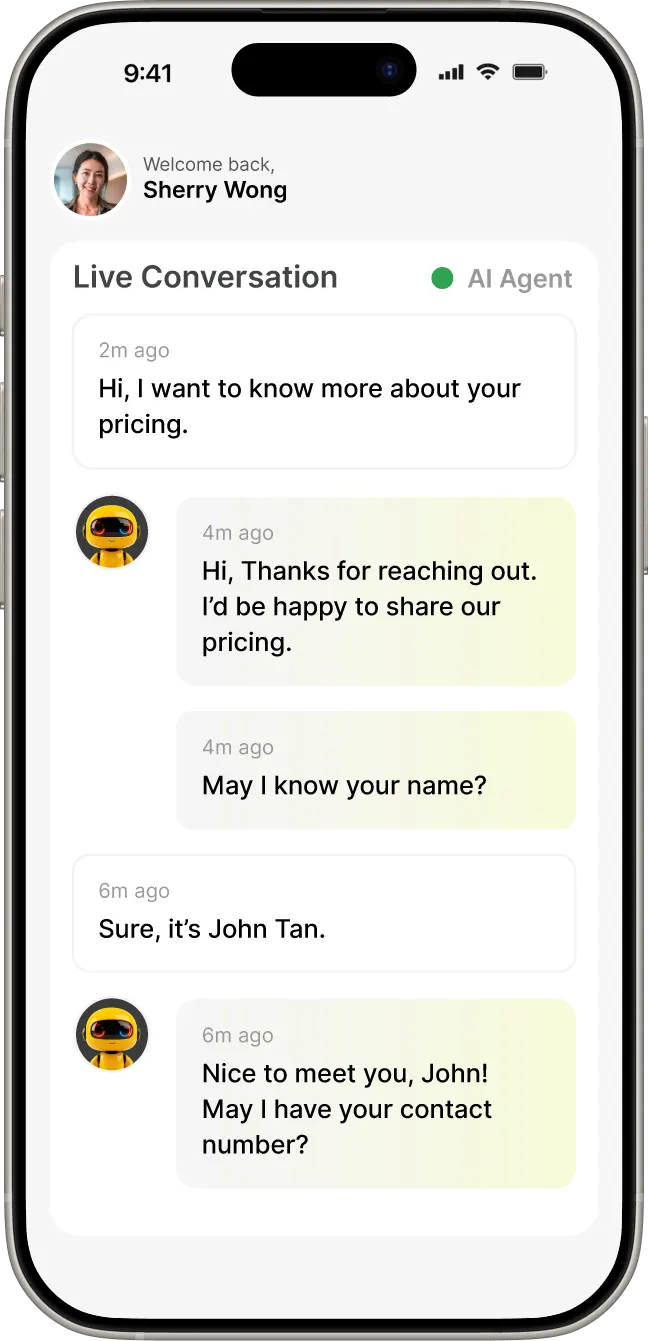
icon ai agent
AI Agent

Online 24/7

phone ai agent
icon thunder envelope
Instant Replies

in seconds

Create your account